Plan your week.
Shop once.
Save time.
Get everything for your go-to dishes, every time, without the mental checklist.
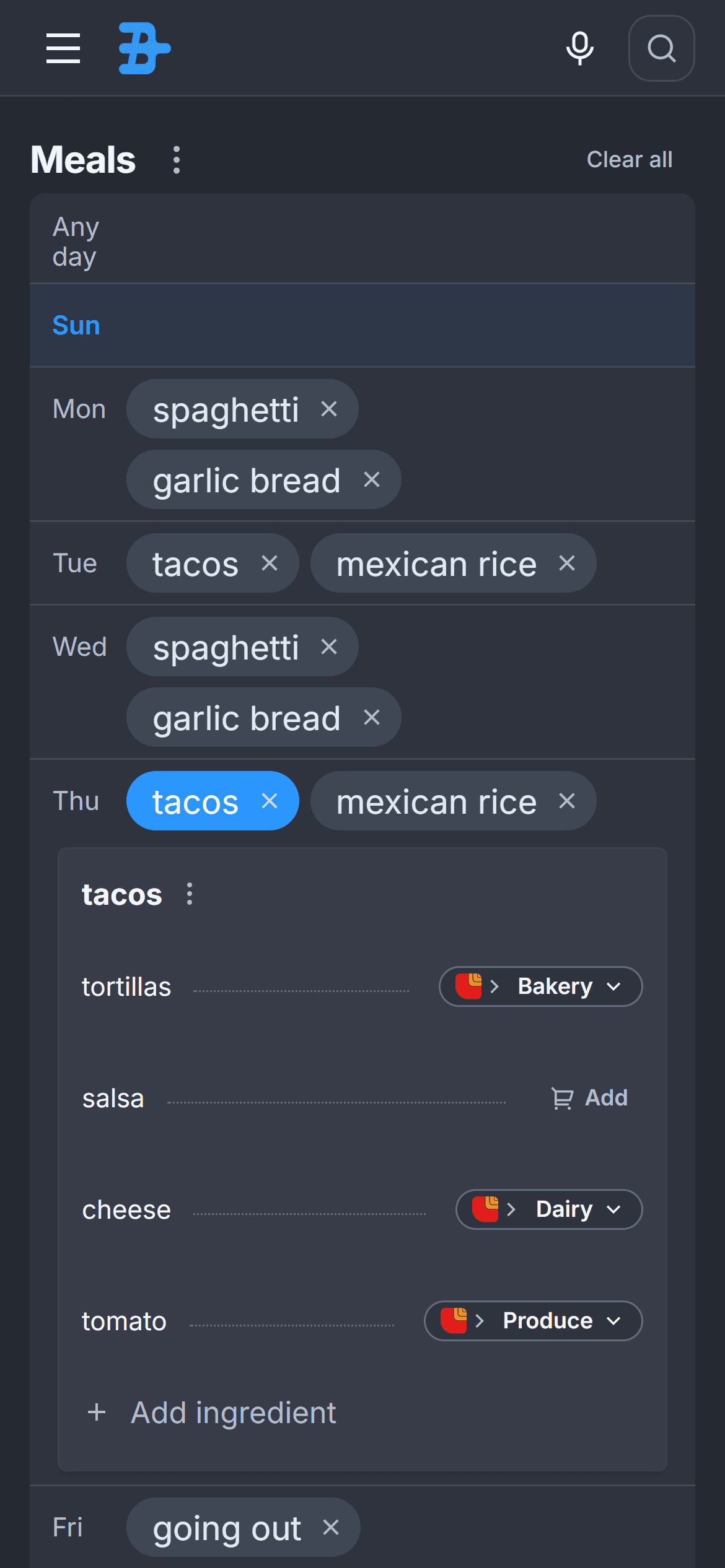
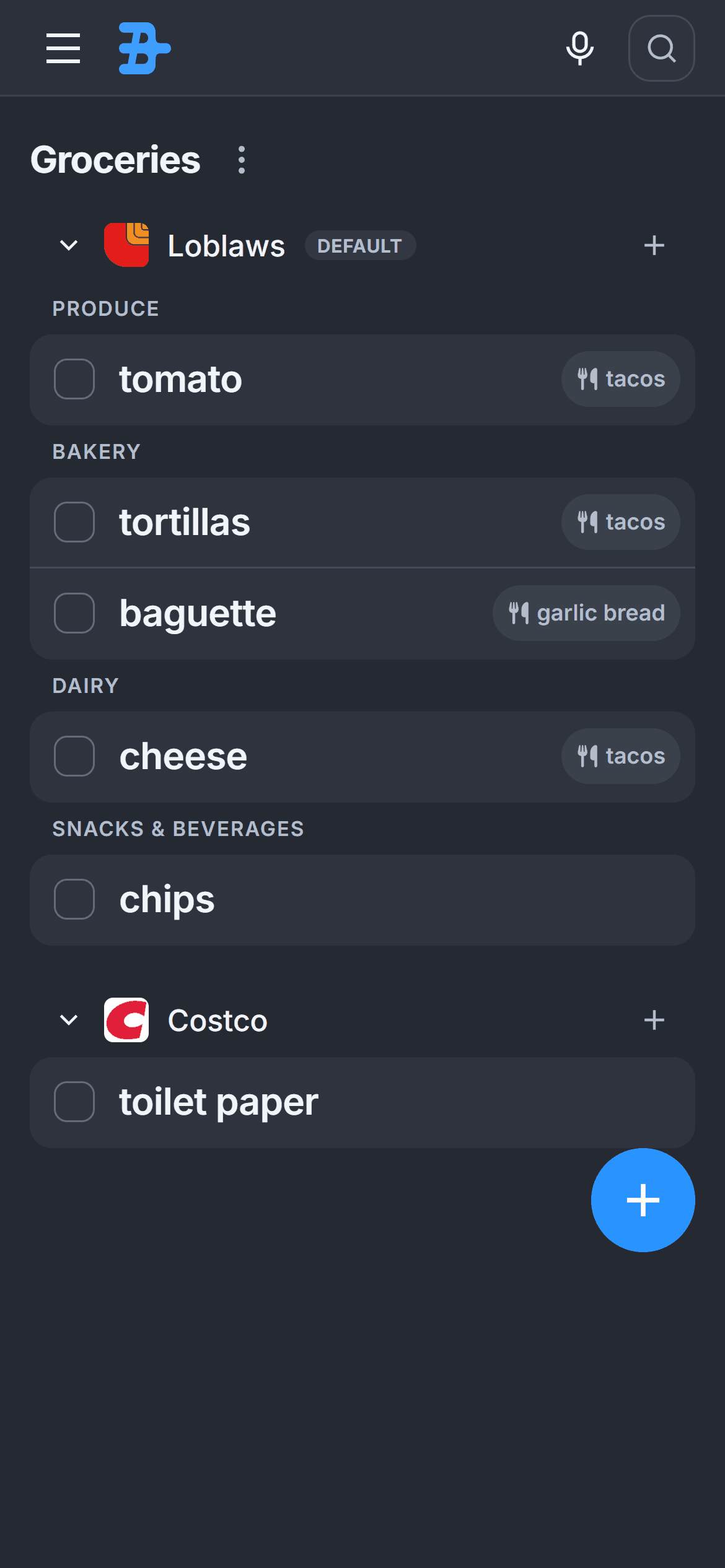
Plan at your desk.
Shop on your phone.
- Web (Desktop)
- Android
- iOS
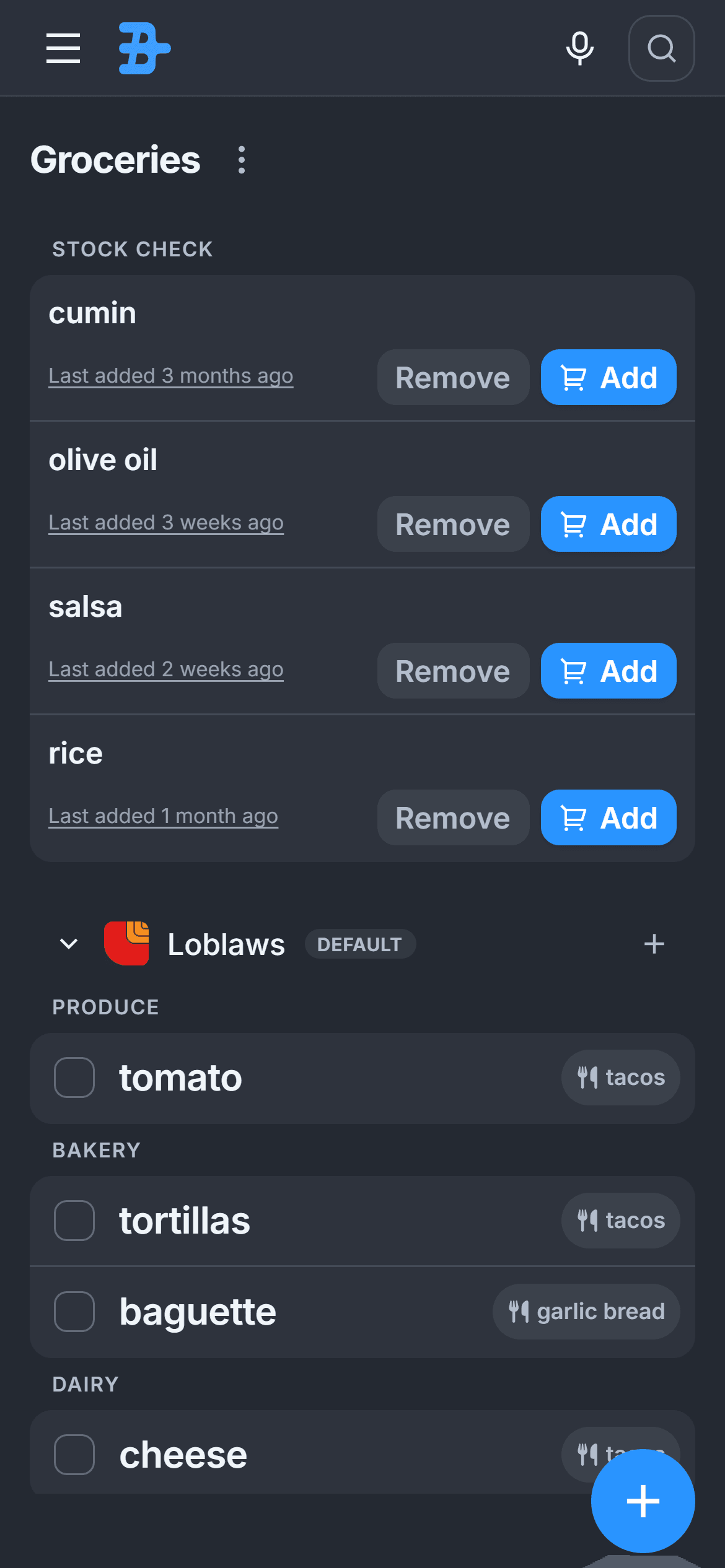
Stock Check
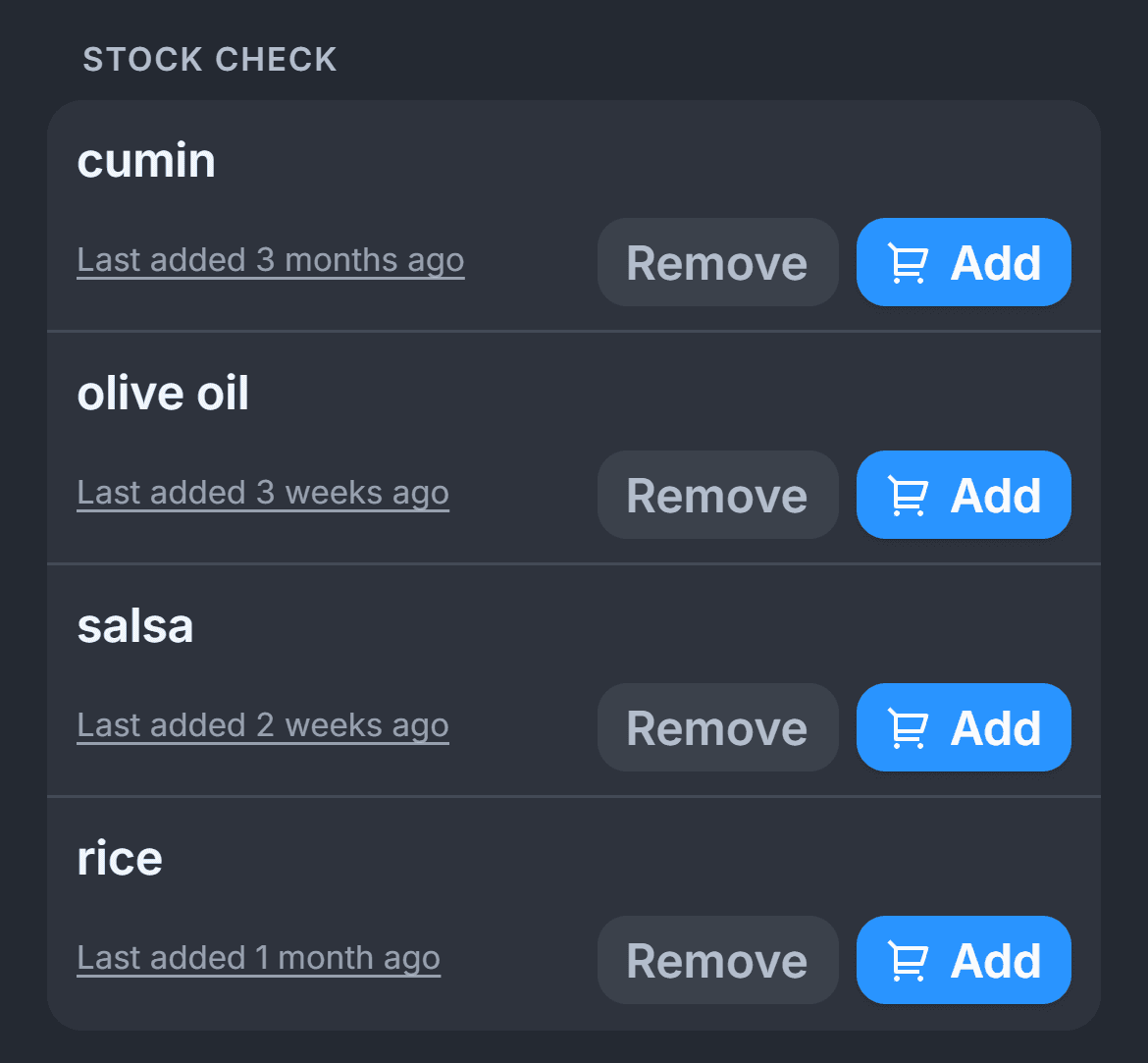
Not sure you have it? Check before you go.
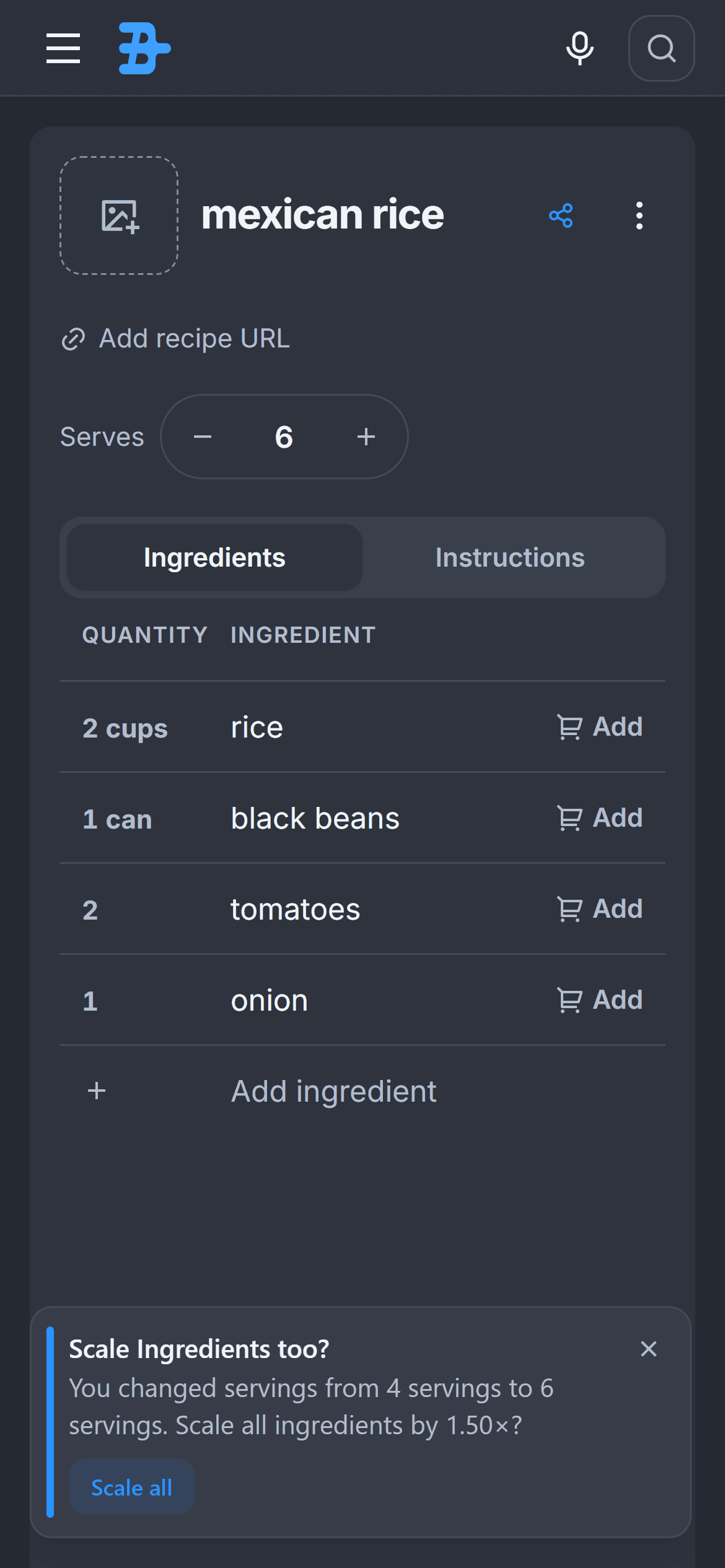
Some ingredients you might already have — the rice, the cumin, the half-used salsa. Put them in Stock Check instead of on the list.
Before you shop, take a look in the pantry: tick off what’s there, and add what isn’t to the right store in one tap.
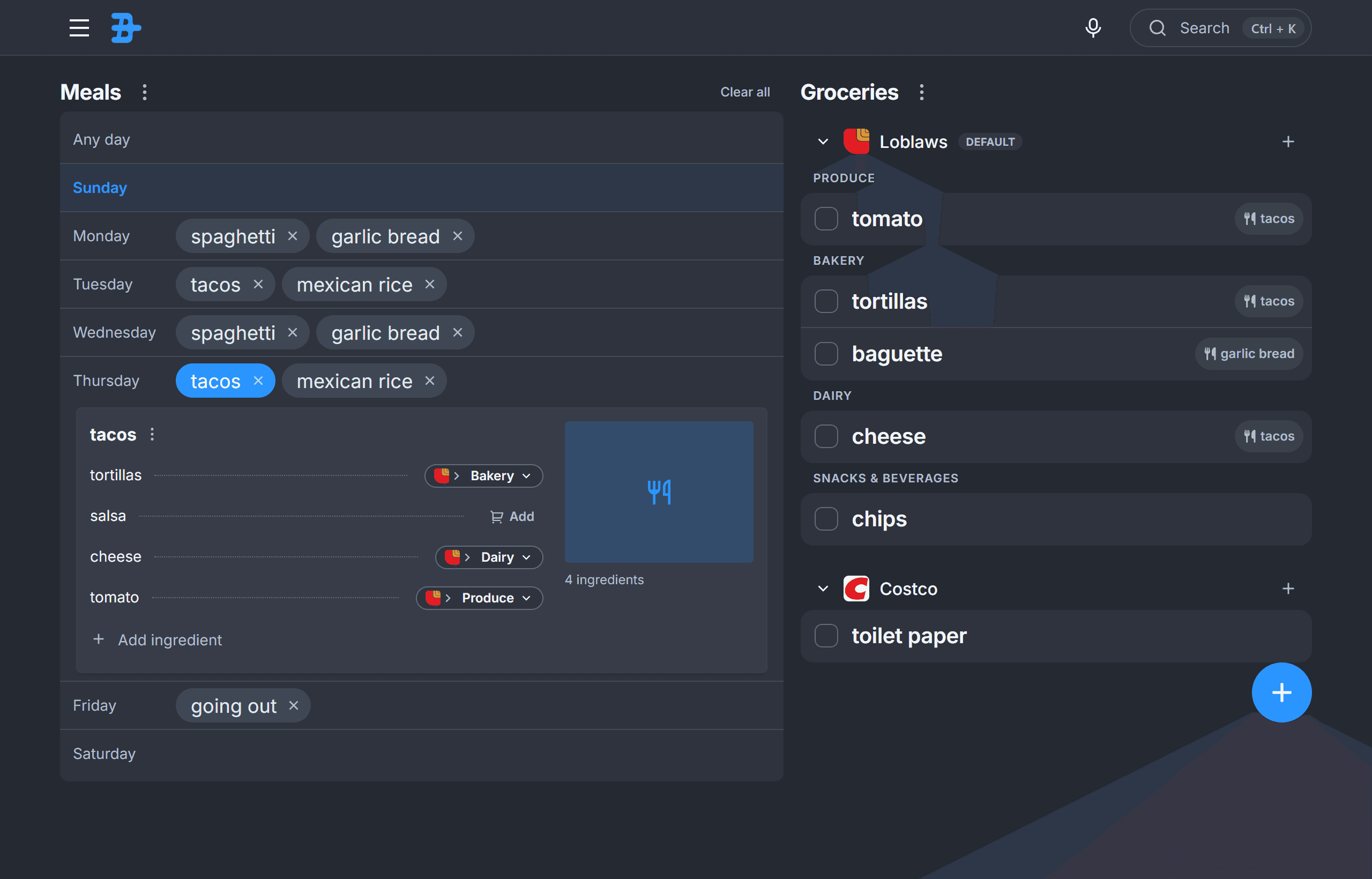
Everything the weekly shop needs

Every store you shop at
Why plan with Biteplan
Eat out less
Decide once on the weekend. On a busy weeknight, dinner is already settled and everything is in the fridge, so takeout loses its appeal.
Fewer trips to the store
Every ingredient for every dish is on the list before you leave, so nothing sends you back out on Wednesday.
Less food waste
Buy what this week’s dinners need — not a second jar of what’s already in the cupboard.